Trackpad & keyboard
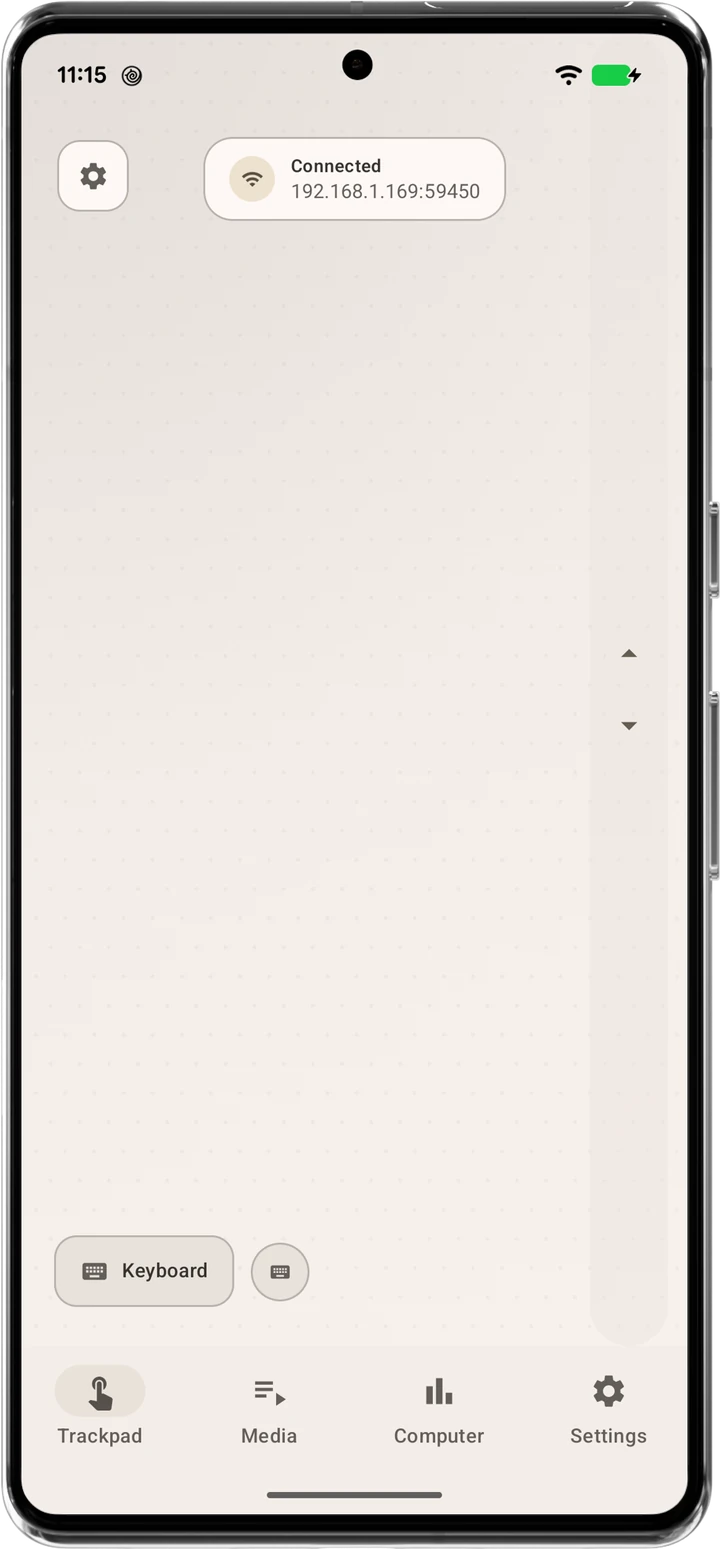
Move, click, drag, scroll, and type — your phone becomes a precision input device with zero-latency response.
Heads up: due to a naming conflict, RemotePC will soon be renamed to LocalDesk. Same app, same team, same privacy-first approach — just a new name.
Turn your phone into a trackpad, keyboard, and system controller for your PC — connected directly over your own network. No cloud, no accounts, no lag6.
Nine tools for controlling your PC, all built to work without a cloud in the loop.
Move, click, drag, scroll, and type — your phone becomes a precision input device with zero-latency response.
Quickly change Windows system volume and manage media playback from wherever you're sitting.
Shut down, restart, lock, sleep, or sign out — right from your hand.
CPU, RAM, battery, and CPU/GPU temperatures, streamed live from your PC in real time.
Send files between your devices over local TCP tunnels. No cloud involved, ever.
Desktop mirroring with low latency and high-quality audio. Watch your PC's activity without leaving the app.
Capture your desktop and save it straight to your Android device.
Use the app in 10 languages, with more on the way.
No accounts, no cloud servers, no data collection. Everything stays on your local network.
The features above, running live. Tap through to see each one on the phone — it plays through on its own too.
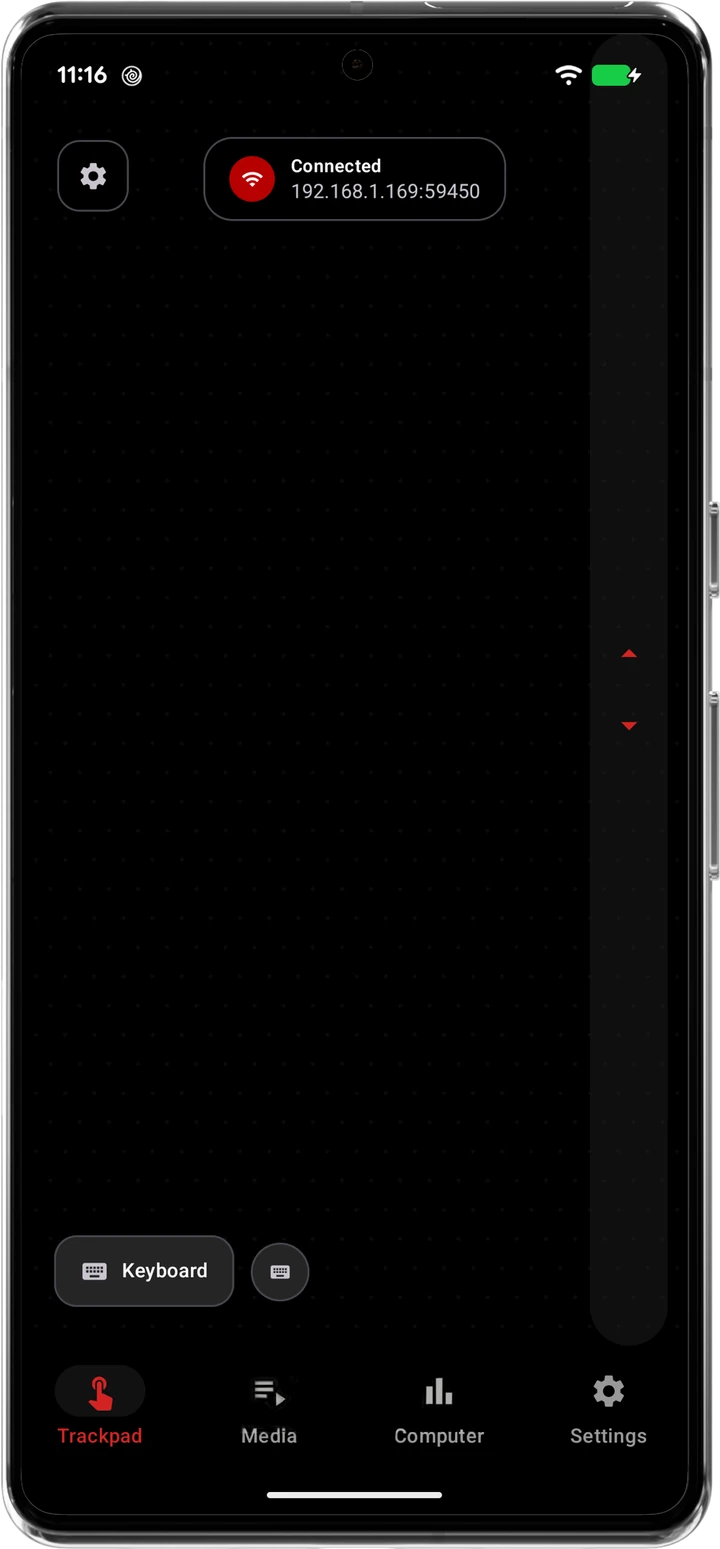
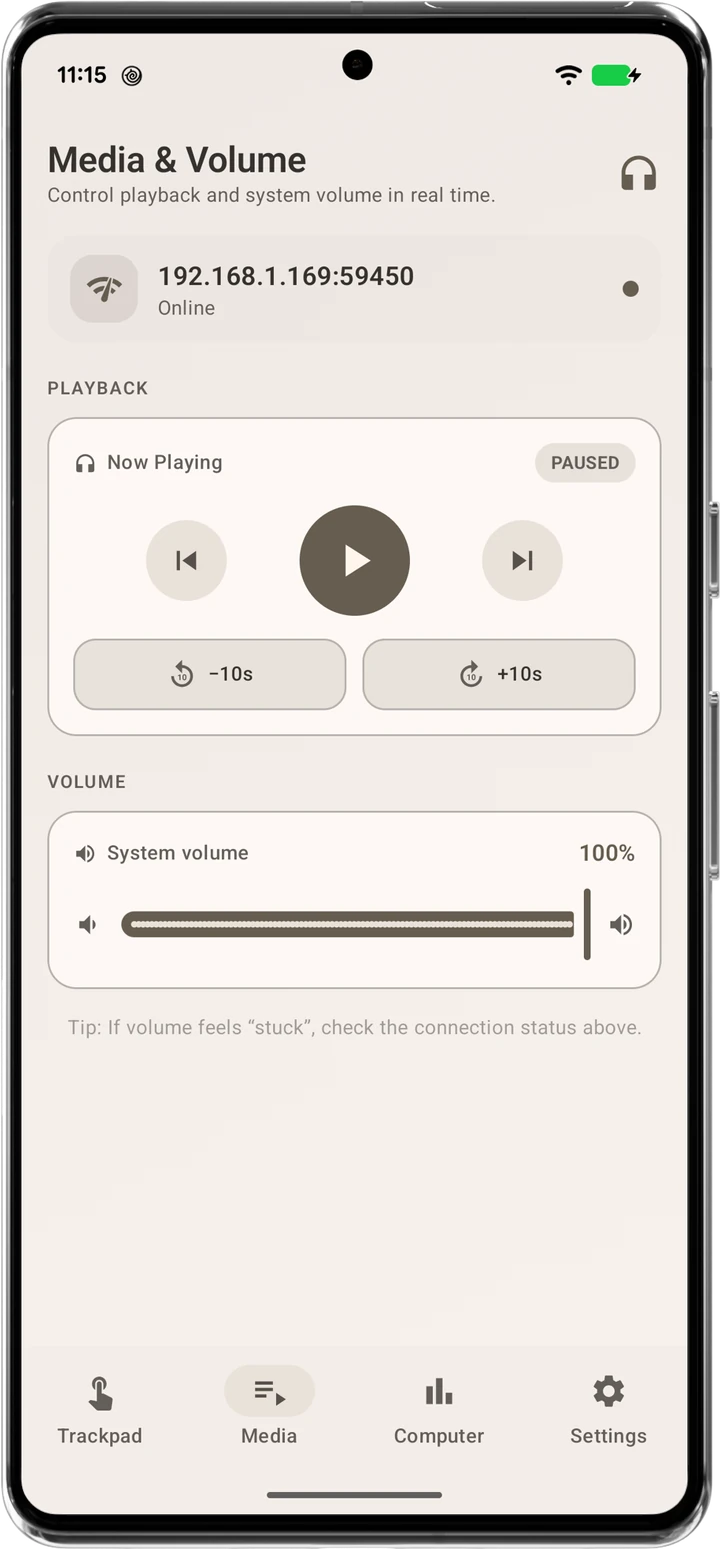
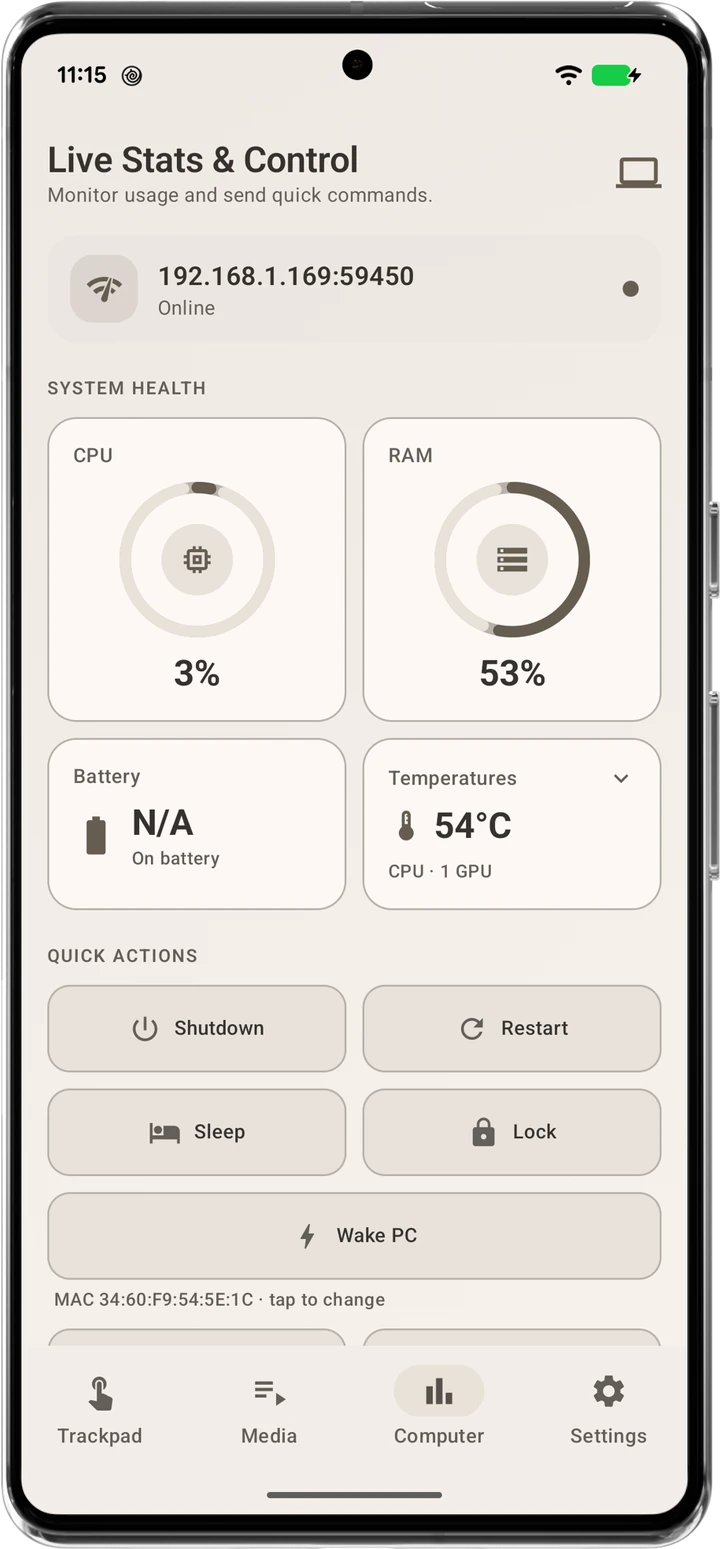
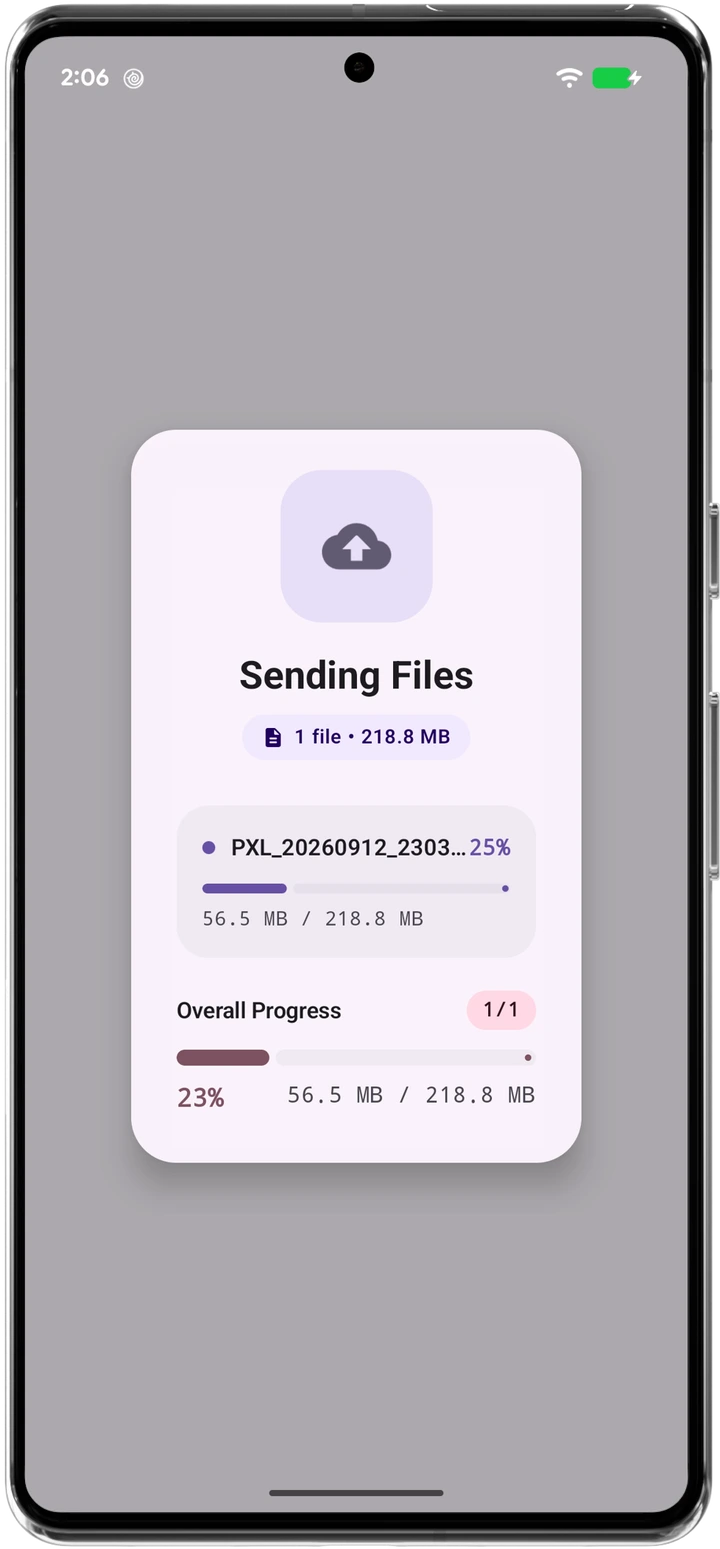
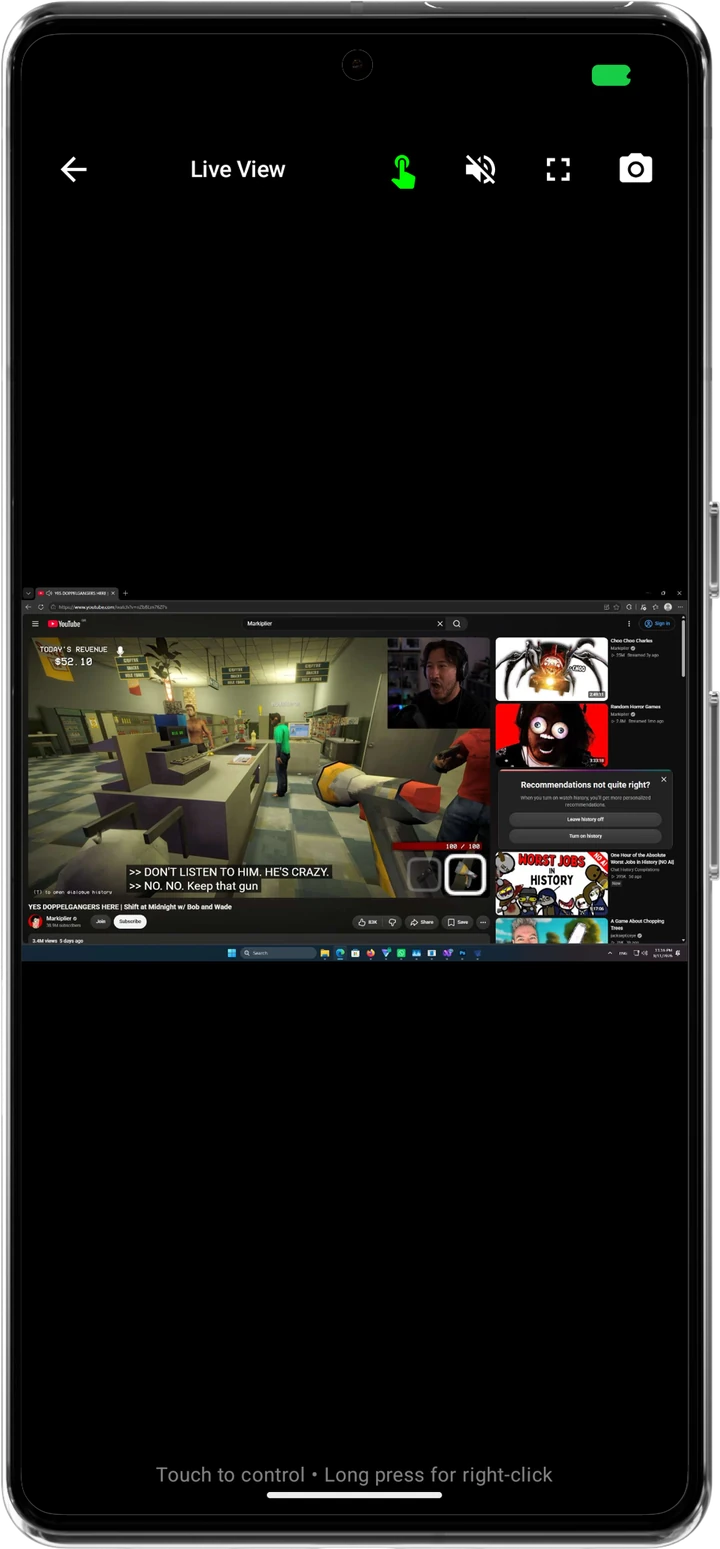
Move, click, drag, scroll and type with zero-latency response. Scrub playback, skip tracks, and set system volume without touching a keyboard. CPU, RAM, temperature and battery, live — plus shutdown, restart, sleep and lock and more, in one tap. Send files between devices over a local, direct connection — no cloud upload, ever. Watch your desktop in real time and take over with a tap, right from the couch.
Five looks for the trackpad. Pick one — it takes effect instantly, no restart needed.
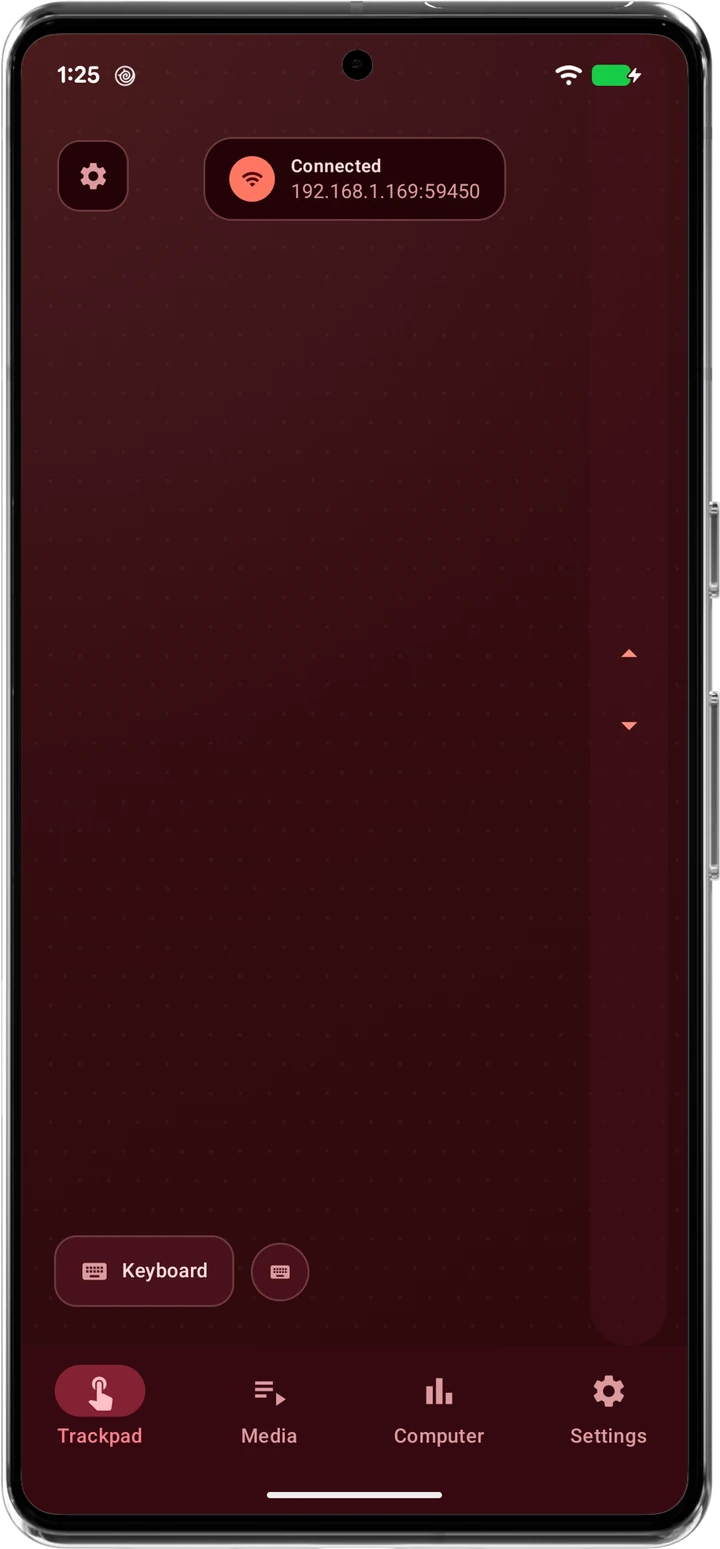
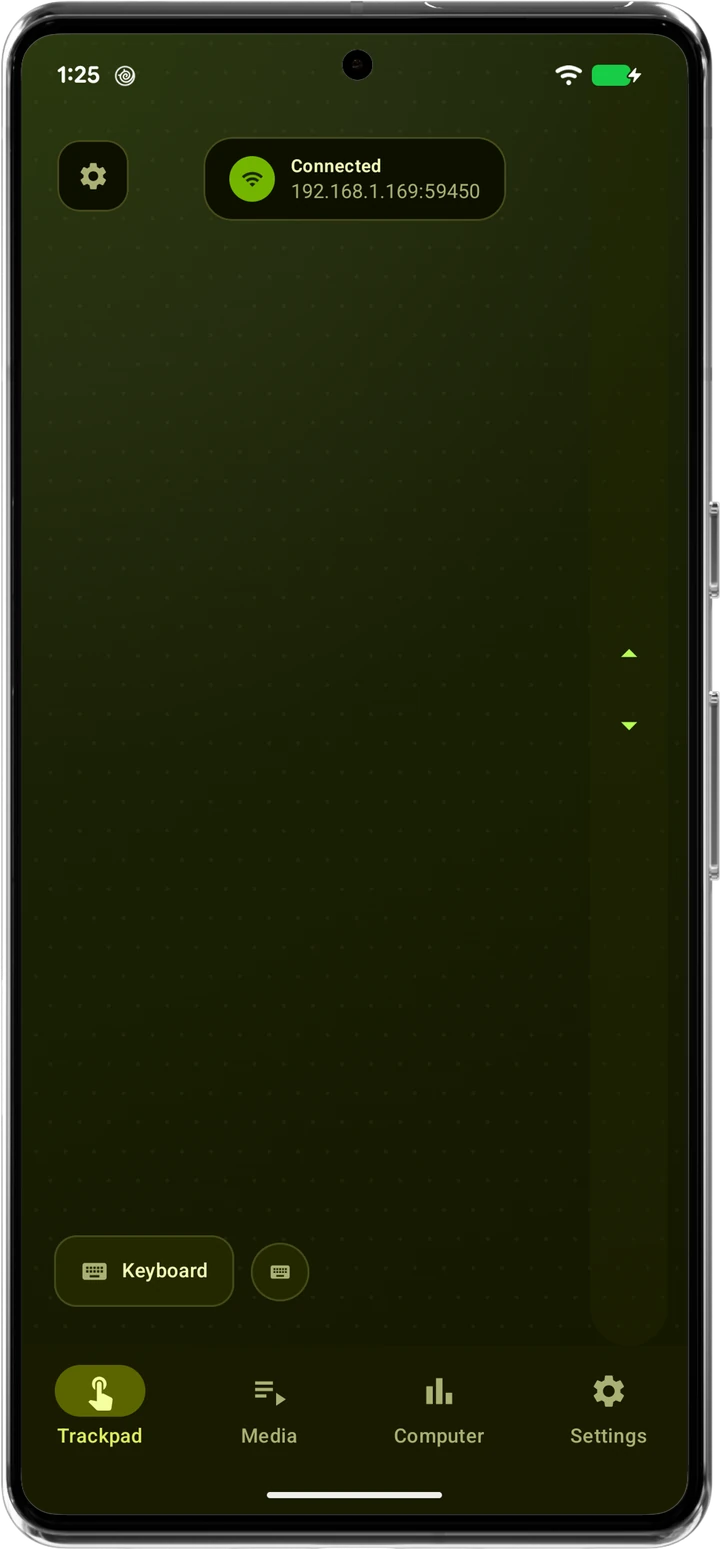
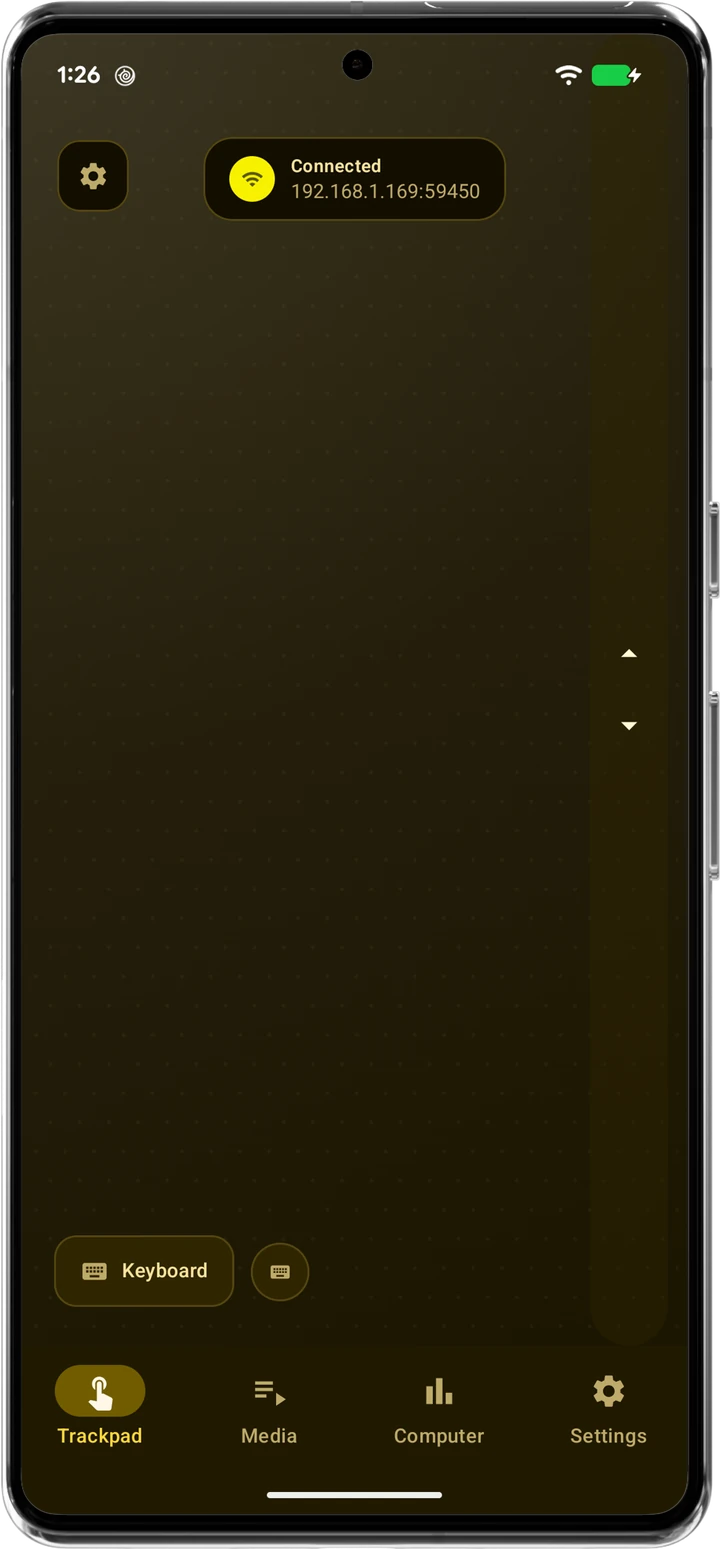
Midnight
Trackpad colors are pulled automatically from your device's wallpaper and system theme — there's no manual color picker in the app. The swatches above just preview a few looks.
No accounts. No cloud. Just a direct connection over your own Wi-Fi.
Runs on your PC and stays dormant until you connect, listening only on your local network.
Launch the Android app and point it to your PC — manually or with automatic discovery.
Low-latency control and fast file transfers. Your data never leaves your home Wi-Fi.
Start controlling your workspace in seconds.
Run the listener on your PC to enable incoming connections.
Looking for all releases? View release notes →
The controller for your phone or tablet.
Need help connecting? Watch the setup video →
RemotePC is free, ad-free, and always will be. If it's saved you time, a coffee goes a long way toward keeping development active.
One-time support
Monthly membership
You like what I'm building and want to help keep the lights on. Every bit counts.
A meaningful commitment that helps prioritise new features and faster release cycles.
You're all in. This level of support is extraordinary and directly fuels the most ambitious work.
All contributions go through Buy Me a Coffee. Support is entirely optional — RemotePC will always be free.
The full breakdown, for anyone who wants the details before installing anything.
Everything you need to know about privacy, security, compatibility, and setup.
Windows host (PC): Windows 10 or Windows 11. The listener application is approximately 40 MB and runs only when you launch it — it does not install background services or startup entries.
Android client: Android 10.0 or later, a minimum of 3 GB RAM, and an active Wi-Fi connection. The app is available on Google Play and Uptodown.
Both devices must be connected to the same local network (Wi-Fi or LAN) for a successful connection. For best results, it's recommended that the user is not connected to a VPN during the initial setup.
Your PC's local IP address is displayed directly in the RemotePC Windows listener once it's running — no manual lookup is required in most cases.
If you need to find it manually, open a Command Prompt and run ipconfig. Look for the IPv4 Address listed under your active network adapter (typically beginning with 192.168. or 10.).
Alternatively, on Windows 11 go to Settings → Network & Internet → Wi-Fi → Hardware properties to view the IP address without the command line.
The Android app also supports automatic device discovery, which can detect the PC on your network without requiring manual IP entry.
The app requests only the minimum permissions necessary to operate. Nothing is requested speculatively or for future use.
Network & connectivity
INTERNET: opens network sockets so the app can communicate with your PC.ACCESS_NETWORK_STATE & ACCESS_WIFI_STATE: used to detect network/Wi-Fi state for reliable device discovery.CHANGE_WIFI_STATE & CHANGE_WIFI_MULTICAST_STATE: needed to hold a multicast lock so discovery broadcasts from your PC are actually received.ACCESS_LOCAL_NETWORK (Android 17+): required under Android's newer Local Network Protections, which block local network traffic by default.Background operation & notifications
FOREGROUND_SERVICE & FOREGROUND_SERVICE_CONNECTED_DEVICE: keep an active connection or file transfer running as a visible foreground service.WAKE_LOCK: prevents Doze mode from suspending the CPU mid-transfer, which could stall or corrupt an incoming file.POST_NOTIFICATIONS (Android 13+): shows status notifications like transfer progress and connection state.Storage & interface
WRITE_EXTERNAL_STORAGE (Android 9 and below): saves files you receive. Android 10+ uses MediaStore instead, so this permission has no effect on newer devices.VIBRATE: haptic feedback when interacting with controls.None of these are used for location tracking, advertising, profiling, or analytics. You remain in full control — permissions can be reviewed or revoked in your device's app settings at any time.
For a full breakdown of each permission, read this article →
This is an expected false positive, not a sign that anything is wrong with the application.
Remote control software by nature performs actions — simulating input, capturing the screen, communicating over the network — that automated security heuristics associate with malware. Windows Defender and SmartScreen flag these behaviours regardless of intent.
The installer is also not code-signed. Code signing certificates typically run $200 to $500+ a year depending on the certificate authority and validation level, which isn't viable for a free, zero-monetisation app. Skipping it keeps RemotePC free for everyone.
A few things that distinguish RemotePC from malware:
To proceed past the warning, click More info → Run anyway. You can also verify the installer independently via the linked VirusTotal scan report.
No. Access is constrained by design at multiple levels.
Only devices on your local network (Wi-Fi or LAN) can attempt a connection at all, and even then a connecting device must know your PC's specific IP address and port. The Windows listener also includes explicit controls to block individual local devices from connecting.
By default, RemotePC is not exposed to the internet. No external device can reach your PC unless you deliberately configure advanced networking, such as port forwarding on your router — something that requires intentional action on your part.
This local-first architecture is a deliberate security choice, not a limitation. It removes an entire class of remote attack vectors that cloud-based solutions must actively defend against.
No. RemotePC collects no personal data, usage metrics, crash telemetry, or device information. There are no accounts to create, no registration, and no third-party analytics or tracking SDKs in the app.
All communication happens directly between your Android device and your Windows PC over your local network. Nothing is routed through external servers — there are no external servers.
Privacy isn't an opt-in feature here. It's the default and only mode of operation.
RemotePC is designed for local network use only. Both devices must be on the same Wi-Fi or LAN segment for a connection to be established.
Internet access is not required and is not used. That's intentional — it removes the latency of cloud relay servers, removes any dependency on external infrastructure, and ensures your data never leaves your home network.
Remote access over the internet is technically possible through advanced router configuration (port forwarding, or a personal VPN tunnel), but that's outside RemotePC's supported setup and carries security considerations worth researching independently.
RemotePC talks directly between your devices over the local network. A VPN active on either device can redirect or intercept that traffic in a way that breaks the direct local connection.
Most VPN clients route all device traffic through a remote server by default, which effectively takes your device off the local network from a connectivity standpoint. Some VPN apps offer a split-tunnelling or "local network access" setting that excludes LAN traffic from the tunnel — if yours supports this, turning it on may let RemotePC keep working while the VPN stays on.
If you run into connection issues, try disabling any active VPN on both devices, then reconnect.
Performance is mostly down to your local network. A few things to check:
On most home networks, input control (trackpad, keyboard, media keys) feels effectively instant. Screen streaming varies more with network conditions.
This is most likely a Windows security restriction rather than a RemotePC design choice. Windows enforces UIPI (User Interface Privilege Isolation), which blocks lower-privilege processes — such as File Explorer, running at standard user level — from sending input messages like drag-and-drop events to a higher-privilege process. Because the RemotePC listener runs with administrator privileges, it sits on the wrong side of that boundary.
There's no straightforward workaround that preserves the level of system access RemotePC needs, so drag and drop stays unsupported for now.
The RemotePC Android app currently supports 10 languages, with more planned for future releases.
Language preference is typically detected automatically from your device's system settings. Want a specific language added? Submit a request via the GitHub issue tracker or by contacting support directly.
RemotePC is completely free. There are no paid tiers, no premium features behind a subscription, and no in-app purchases.
The app has no monetisation model — no ads, no selling data, no upgrades to buy. The full feature set is available to every user at no cost.
A couple of ways to get in touch:
You can also check the public Trello roadmap to see what's planned or in progress.