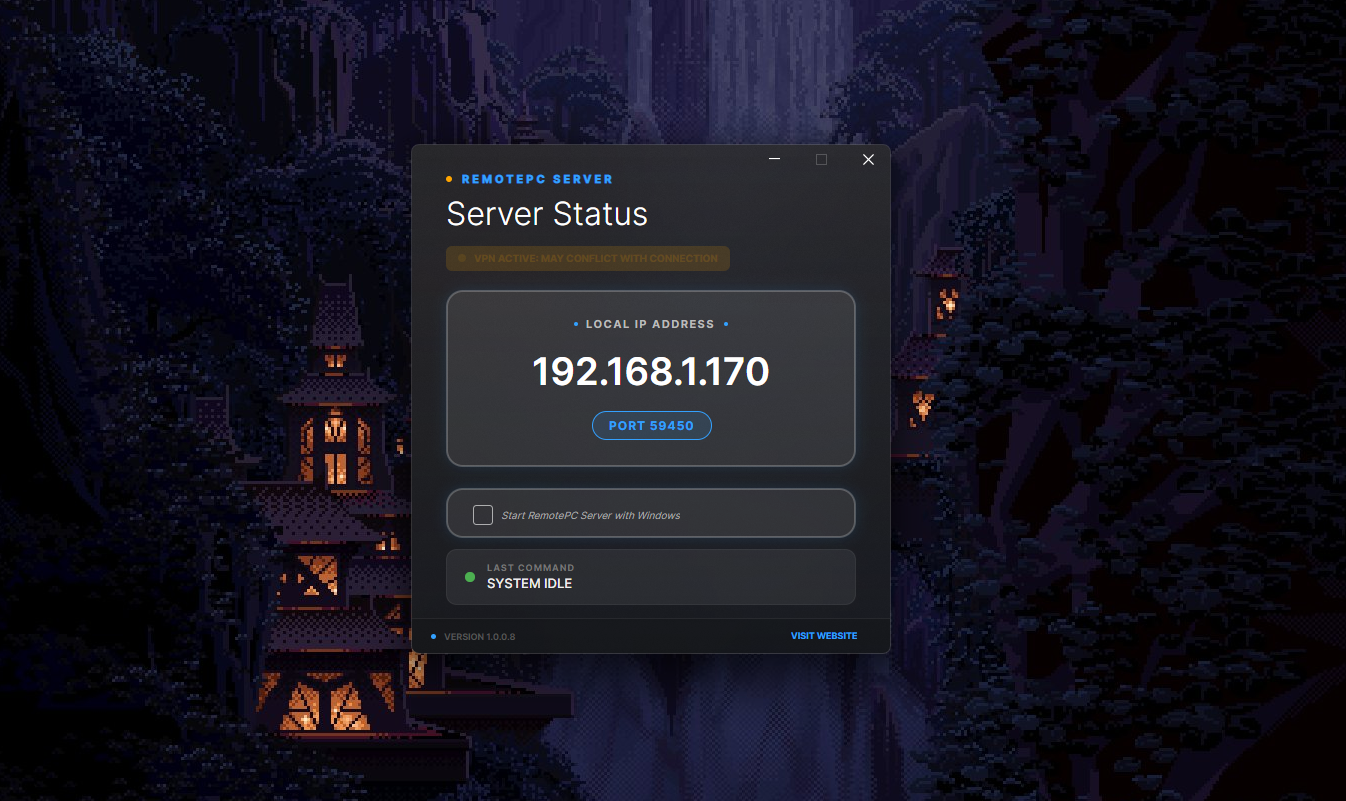
When you connect to a VPN, the VPN client may modify your machine’s network routing table. This reroutes traffic destined for the internet to pass through the VPN tunnel instead of using your local network directly. However, the way routing is configured can also affect local traffic, even if that traffic is not intended to go through the VPN.
Specifically, VPNs may add or modify routes that reroute traffic intended for your LAN (Local Area Network). This can occur when the VPN overrides or misconfigures your machine’s routing table, potentially preventing direct access to local network services.
How this causes problems with RemotePC.
NAT (Network Address Translation) is commonly used by VPN providers to allow multiple clients to share a single public IP address. When you connect to a VPN, your machine is typically assigned a private internal IP address within the VPN’s virtual subnet (for example, 10.2.0.10). Depending on the VPN configuration, most or all internet-bound traffic may be routed through the VPN server, while local network traffic may or may not be routed through the tunnel.
VPNs often introduce a NAT boundary and routing separation between your local network and the VPN tunnel. If traffic that would normally remain on the local network is routed through the VPN, this can cause issues such as:
Connection failures: Local services that expect traffic from LAN IP ranges (for example, 192.168.x.x) may reject connections arriving from the VPN’s internal address space.
UDP issues: NAT performed by the VPN may alter source IPs or ports, and short NAT timeouts can disrupt UDP-based applications that rely on consistent addressing.
TCP issues: Existing TCP connections may be interrupted if routing changes, NAT state is reset, or firewall rules associated with the VPN block or reroute traffic.
Temporarily disabling your VPN until the application has connected will, in many cases, allow the app to function normally even after the VPN is re-enabled.
TCP and UDP Behavior
- UDP: UDP is a connectionless protocol that sends packets to a specific destination address and port. If a VPN reroutes traffic or performs NAT that alters the source IP or port, the receiving service may drop the packets because they appear to originate from an unexpected address (for example, a VPN-assigned address instead of a local 192.168.x.x address).
- TCP: TCP is connection-oriented and requires a successful handshake between client and server. If a VPN changes routing in a way that prevents traffic from reaching the local network, connections to services bound to local interfaces may fail.
RemotePC uses both the UDP and TCP protocols, but it is for the most part TCP based.